01
Presentation remote
Start and end the slide show, move through slides, use PowerPoint’s pointer, or blank the screen with one hand.
 PPT Clicker
Start the slide show, advance slides, point to key content with PowerPoint’s on-screen pointer, and control your PC with a touchpad or Air Mouse—no extra remote required.
 No PC software · No internet connection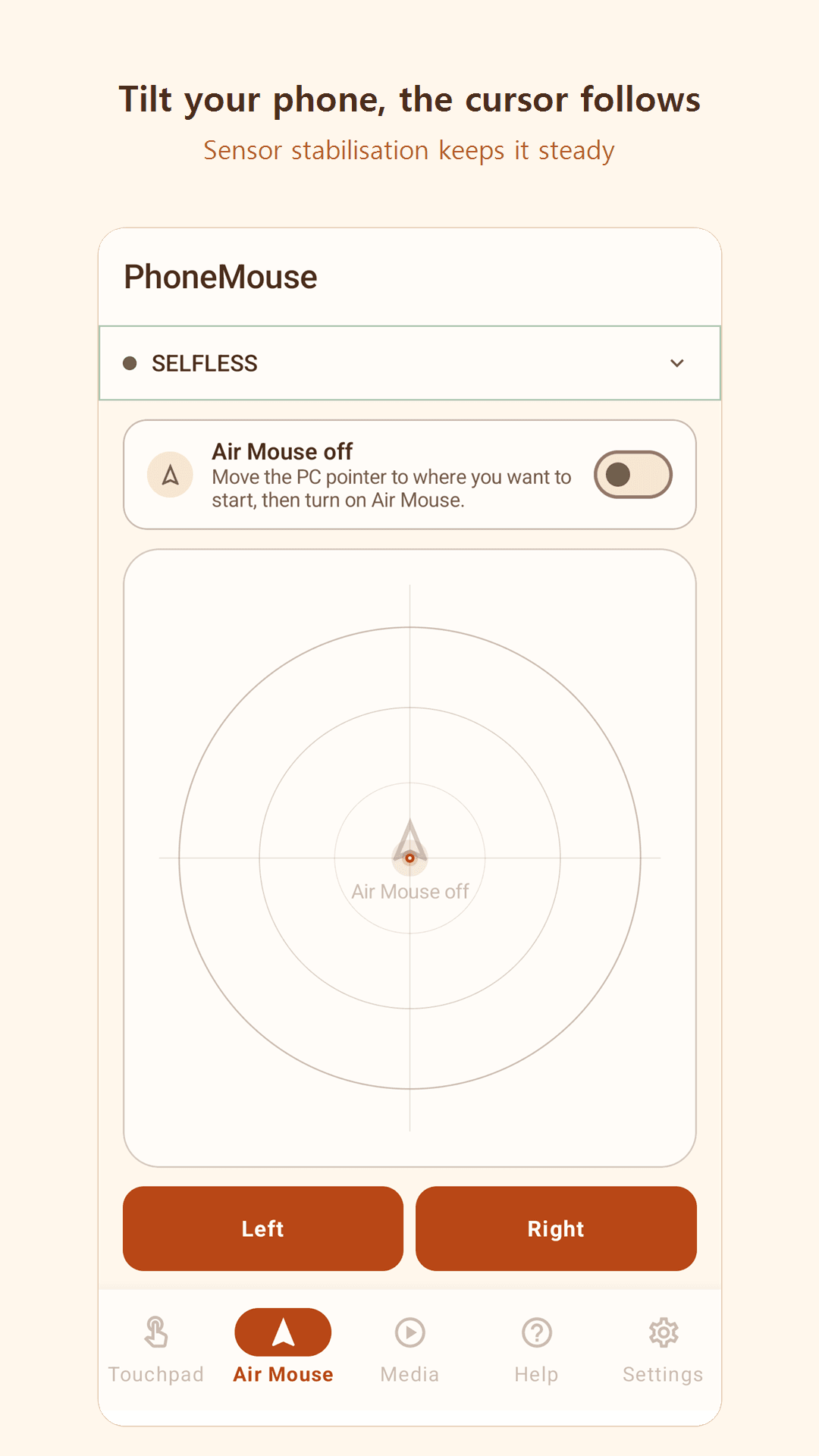
Explore the real English interface and its core features before downloading the app.
Start and end the slide show, move through slides, use PowerPoint’s pointer, or blank the screen with one hand.
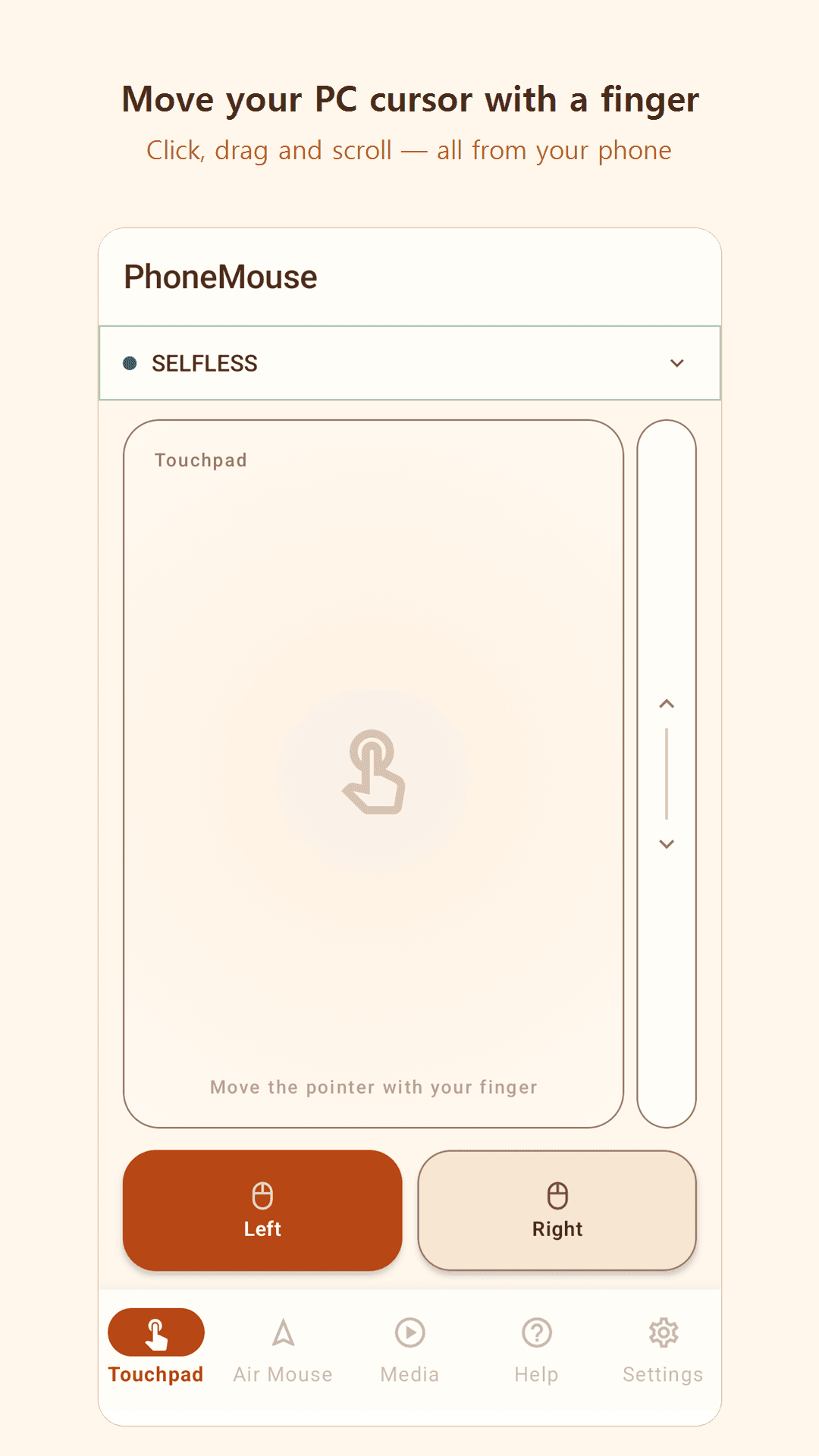
Click, drag, and scroll naturally with your fingers.
Move your phone to control the cursor from across the room.
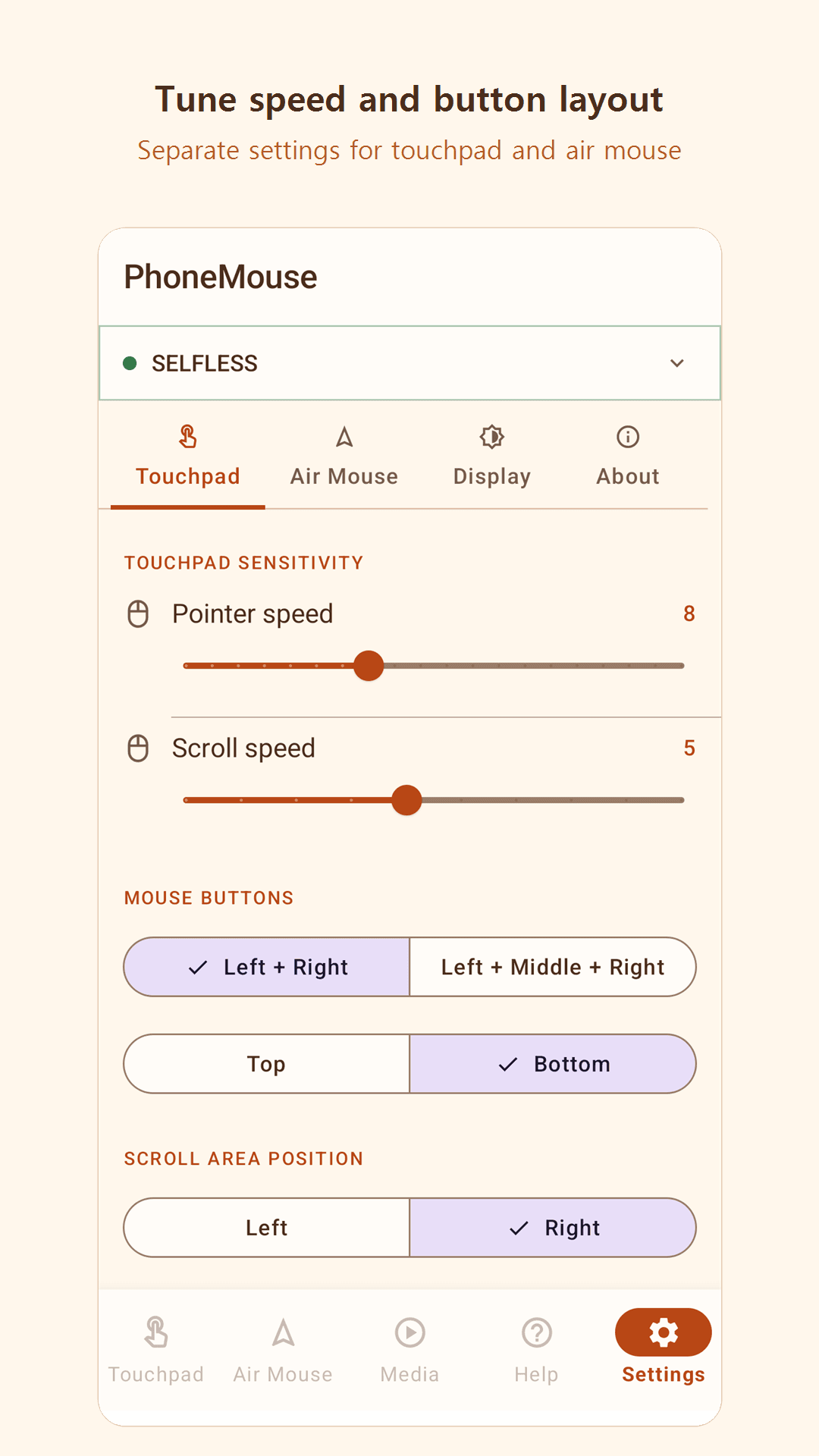
Adjust pointer sensitivity, button layout, and screen theme.
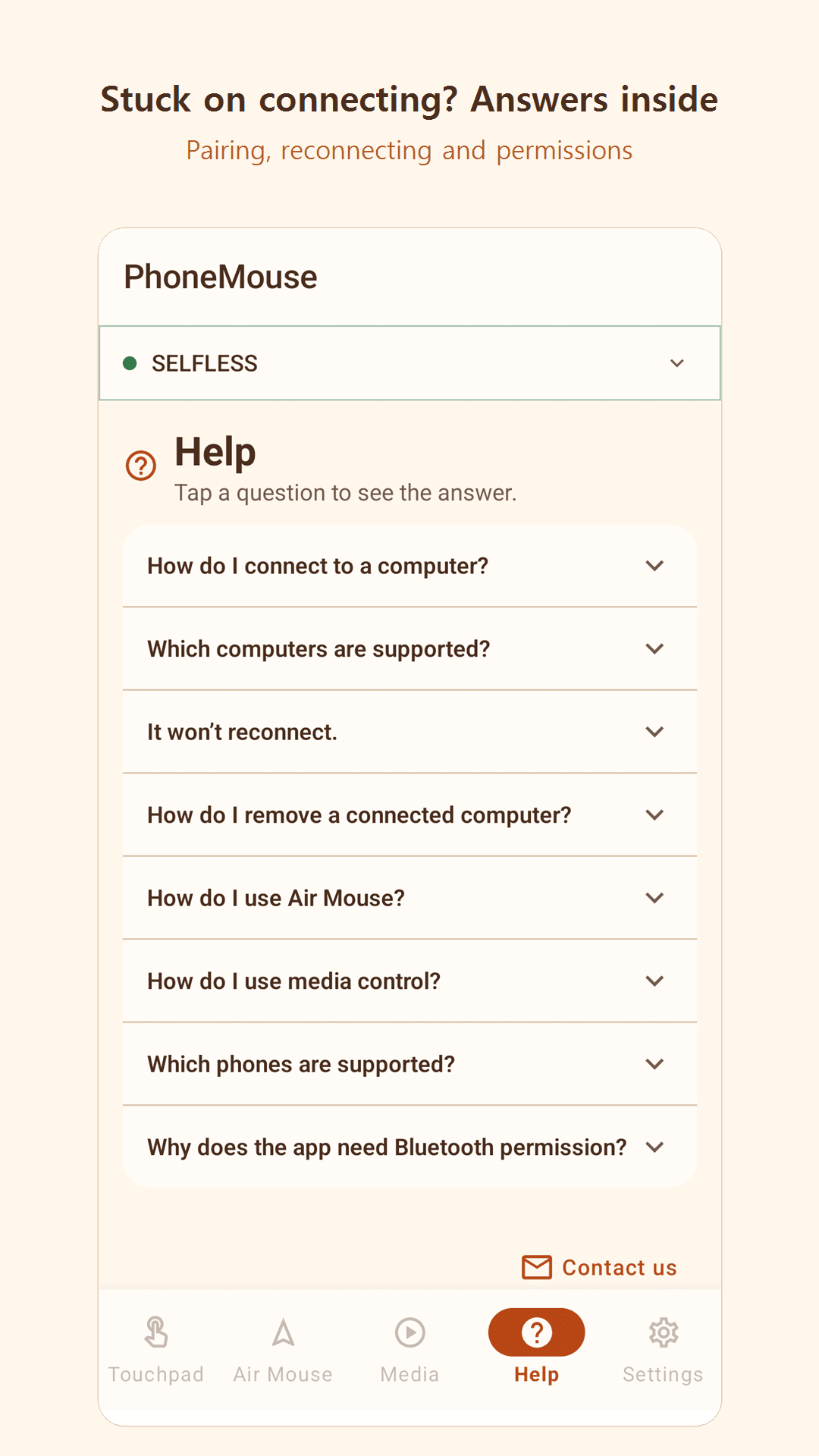
Connect to your Windows PC through Bluetooth HID with no companion software.
There is nothing to sign in to, and your input and control commands are never sent to our servers.
Switch between the presentation remote and the touchpad or Air Mouse whenever you need them.
Turn your Android phone into a presentation remote, Bluetooth touchpad, and Air Mouse for Windows. No PC software or internet required.